
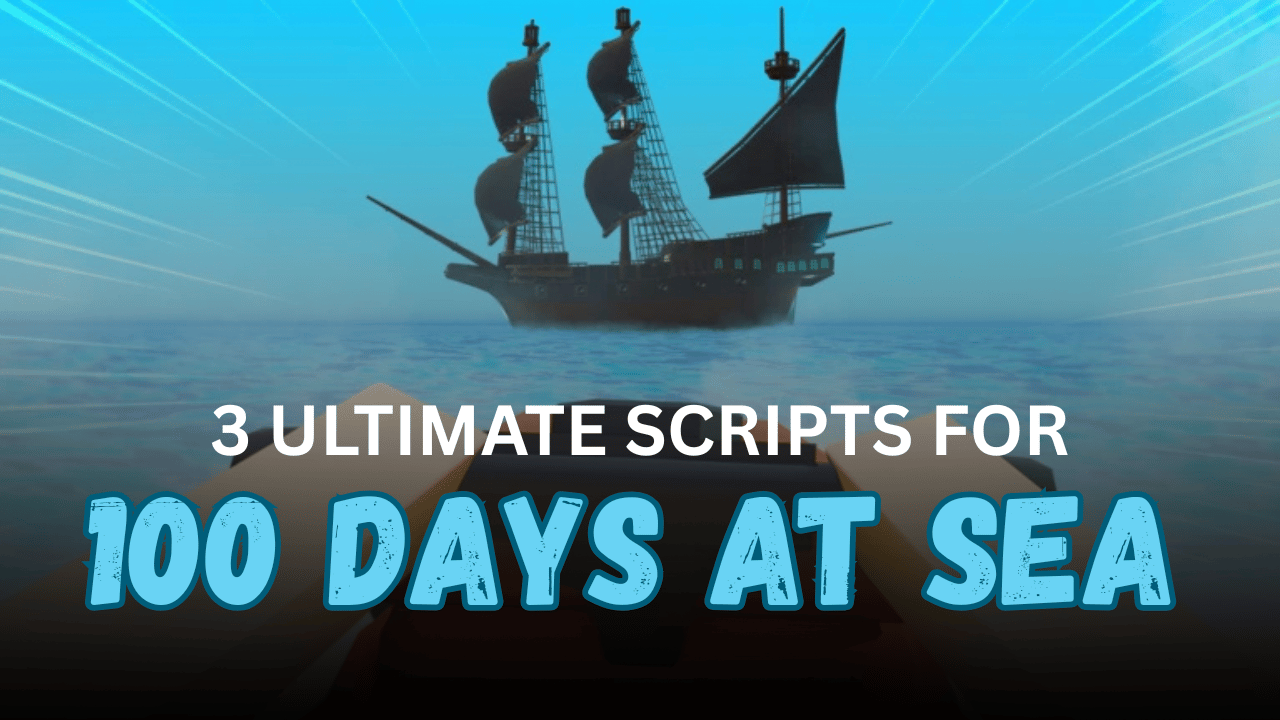
100 Days At Sea is a Roblox survival adventure where players sail across the ocean, gather resources, fight enemies, and explore islands while trying to stay alive. As you progress, finding loot and traveling between locations becomes more challenging. Lua scripts can help simplify many of these tasks by adding automation, navigation tools, and quality-of-life features. Below are three useful scripts for 100 Days At Sea, each with its own features, description, and Lua code.
01. Teleport, Bring, ESP, Items, Chests & Fly (Lua)
This keyless Lua script is designed to make exploring the world much easier. It offers teleportation, ESP, item collection, and flying abilities while remaining optimized for both PC and mobile devices. Players looking for smooth navigation and quick resource gathering may find this script especially useful.
| Feature | Description |
|---|---|
| Teleport | Travel around the map quickly |
| Bring | Bring selected objects closer |
| ESP | Locate important items and objects |
| Item Collection | Gather resources more easily |
| Chest Finder | Find treasure chests faster |
| Fly Mode | Move freely through the world |
| Mobile Support | Optimized for PC and mobile |
| Keyless | No key required |
02. OP 100 Days At Sea Script – Survival Toolkit (Lua)
This all-in-one Lua script includes a large collection of features covering combat, survival, exploration, movement, navigation, and utilities. It is built for players who want a single script that provides assistance throughout nearly every part of the game.
| Feature | Description |
| Auto Combat | Automatic battle assistance |
| Smart Weapon Equip | Equips suitable weapons automatically |
| Endless Ammo | Continuous ammunition support |
| Auto Loot | Pulls and collects nearby loot |
| Auto Chest Unlock | Opens treasure chests automatically |
| ESP | Highlights important entities |
| Better Lighting | Improves world visibility |
| Fog Removal | Clearer viewing distance |
| Speed & Jump | Movement enhancements |
| Infinite Jump | Jump without limits |
| Fly | Fly across the map |
| Noclip | Walk through obstacles |
| Water Survival | Stay alive in water |
| Auto Eat | Automatically consumes food |
| Passive Healing | Gradual health recovery |
| Boat Boost | Faster boat performance |
| Cannon Speed | Increased cannon firing rate |
| Teleports | Warp to islands, enemies, bases, loot, and chests |
| Save Locations | Store and return to custom positions |
| Anti-AFK | Prevent idle disconnects |
| Full Map View | Reveal the entire map |
03. Hitbox Mobs & Enemy Script (Lua)
This lightweight Lua script focuses on improving combat by increasing the hitboxes of enemy mobs. It is intended for fighting NPC enemies rather than other players, making combat encounters easier during exploration and survival.
| Feature | Description |
| Enemy Hitbox | Enlarges mob hitboxes |
| NPC Focus | Works on enemies instead of players |
| Easy Combat | Makes attacks easier to land |
| Lightweight | Simple and quick to execute |
How to Use These Scripts
- Launch your preferred Roblox script executor.
- Open 100 Days At Sea in Roblox.
- Copy the Lua script you want to use.
- Paste the script into your executor.
- Execute the script and wait for the menu or GUI to load.
- Enable only the features you want to use.
- If a feature doesn’t load correctly, rejoin the game and execute the script again.
Benefits of Using Scripts in Roblox
Explore the World Faster
Teleportation, flying, and movement tools make it much easier to travel between islands and important locations without spending extra time.
Collect More Resources
Auto loot, item collection, and chest-related features help gather valuable resources more efficiently, reducing repetitive manual searching.
Improves Survival Gameplay
Features like passive healing, automatic food consumption, and water survival can make long survival sessions more convenient and enjoyable.
Makes Combat Easier
Auto combat, smarter weapon handling, and larger enemy hitboxes help players deal with hostile mobs more effectively during battles.
Better Visibility While Exploring
ESP, enhanced lighting, and fog removal improve visibility, making it easier to locate enemies, loot, islands, and other important objects.
Convenient Navigation Tools
Warp options, saved locations, and faster boats reduce travel time and allow players to move around the map with much greater flexibility.
Smooth Overall Experience
Utility features like Anti-AFK, instant interactions, and optimized performance help create a more comfortable and efficient gameplay experience.