
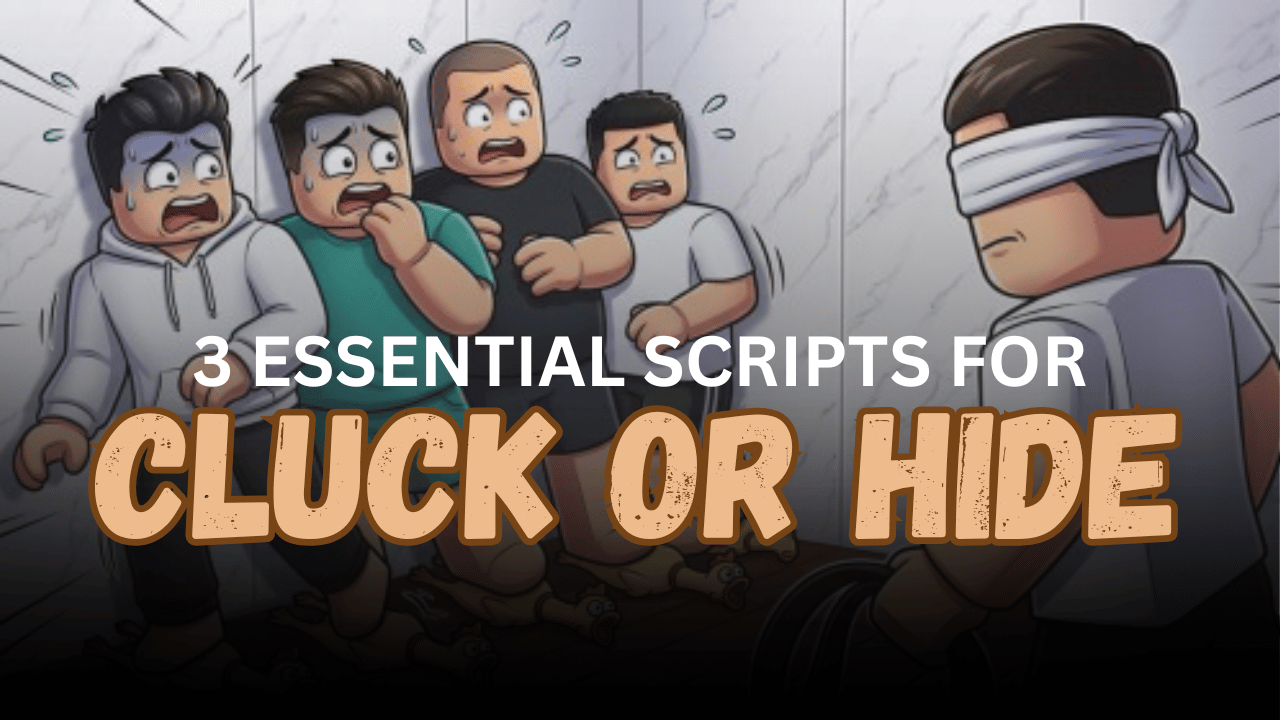
Cluck or Hide is a Roblox survival game where players take on different roles during each round. Hiders must escape, protect teammates, and use their abilities carefully, while the Killer searches the map and tries to eliminate everyone. Lua scripts can add role-based tools such as ESP, automatic abilities, teleports, movement controls, and combat automation. Below are three Cluck or Hide scripts with different features for both Hiders and Killers.
01. AshLabs – Instant Revive, Teleport, Speed & ESP
AshLabs focuses on helping players locate and support teammates during active rounds. It includes automatic revival, teleportation to knocked players, movement speed controls, and different ESP options. The compact feature set makes it suitable for players who want simple rescue and navigation tools.
| Script Option | What It Does |
|---|---|
| Auto Revive | Revives knocked players automatically |
| TP to Knocked Player | Teleports to a downed teammate |
| Toggle ESP | Highlights players on the map |
| Name ESP | Displays player names |
| Movement Speed | Changes character walking speed |
| Extra Features | Includes more options inside the menu |
| Key System | Requires a key before use |
02. Cluck or Hide Helper v1.2 – Auto Abilities, Kill Aura & Quick Teleports
This detailed client-side script automatically adapts its tools to the player’s current role. Killers can use scanning, ESP, teleports, and Kill Aura, while Hiders receive automatic ability support, safe teleportation, movement tools, and teammate tracking.
The script should be executed while standing in the lobby before a round begins. Its network features and interface depend on game systems that are loaded before the match starts.
| Main Feature | Simple Description |
| Role-Based Tools | Provides separate options for Killer and Hider |
| Auto Scan | Uses the Killer’s Scan ability when ready |
| All-Player ESP | Shows players with role-based colors |
| Freeze ESP | Highlights frozen Hiders in blue |
| TP to Visible Hider | Teleports the Killer to a tagged Hider |
| Kill Aura | Attacks nearby Hiders automatically |
| Auto Reveal | Uses the Hider’s Reveal ability |
| Auto Decoy | Throws decoys automatically |
| Auto Speed Boost | Activates the speed ability when available |
| Auto Unfreeze | Helps escape the frozen state |
| Hider ESP | Shows the Killer and nearby teammates |
| TP to Safest Hider | Moves to the teammate farthest from the Killer |
| Fly | Provides adjustable flying movement |
| Walk Speed | Sets a custom movement speed |
| Speed Override | Prevents the game from resetting speed |
| Player Names | Displays names above characters |
| Reset Position | Places a stuck character back on the ground |
| Anti-AFK | Helps prevent idle disconnection |
| Rejoin Server | Reconnects to the current server |
| Server Hop | Searches for a different server |
| Mobile Ready | Designed for supported mobile execution |
03. Auto Kills Script – Auto Hide, ESP & Noclip
This script provides a smaller collection of direct automation features. It includes tools for automatically attacking players, hiding during rounds, viewing characters through ESP, and passing through certain obstacles with Noclip.
| Included Tool | Purpose |
| Auto Kill All | Automatically targets available players |
| Auto Hide | Assists with hiding actions |
| ESP | Highlights players or targets |
| Noclip | Allows movement through obstacles |
| Key System | Uses a key-based activation process |
| Multi-Executor Support | Tested with several executor options |
How to Use These Scripts
- Join Cluck or Hide through Roblox.
- For the role-adaptive helper, remain in the lobby before a round starts.
- Open a compatible Roblox Lua executor.
- Copy the complete script you want to use.
- Paste the Lua code into the executor’s editor.
- Complete the key process when the selected script requires one.
- Run the code and wait for the script interface to appear.
- Enable only the tools that match your current role.
- Avoid running several similar movement or teleport features together, as they may conflict.
- Rejoin the server and execute the code again if the menu does not load.
Benefits of Using Scripts in Roblox
Better Role Management
Role-adaptive scripts can automatically provide the correct features for Hiders and Killers, reducing the need to change settings between rounds.
Improved Player Awareness
ESP, Name ESP, and Freeze ESP make it easier to locate the Killer, teammates, hidden players, and knocked characters across the map.
Faster Ability Use
Auto Scan, Auto Reveal, Auto Decoy, and Auto Speed Boost can activate important abilities as soon as their cooldowns finish.
Easier Team Support
Auto Revive and teleport-to-player features help reach knocked or frozen teammates more quickly during difficult rounds.
More Flexible Movement
Fly, Noclip, Walk Speed, and quick teleport tools provide additional ways to move through the map and escape dangerous areas.
Safer Hider Gameplay
Safe teleport tools can locate teammates who are far away from the Killer, making it easier to move toward a less dangerous position.
Faster Killer Progress
Kill Aura, automatic targeting, and quick teleports can help locate and attack Hiders with fewer repeated actions.