
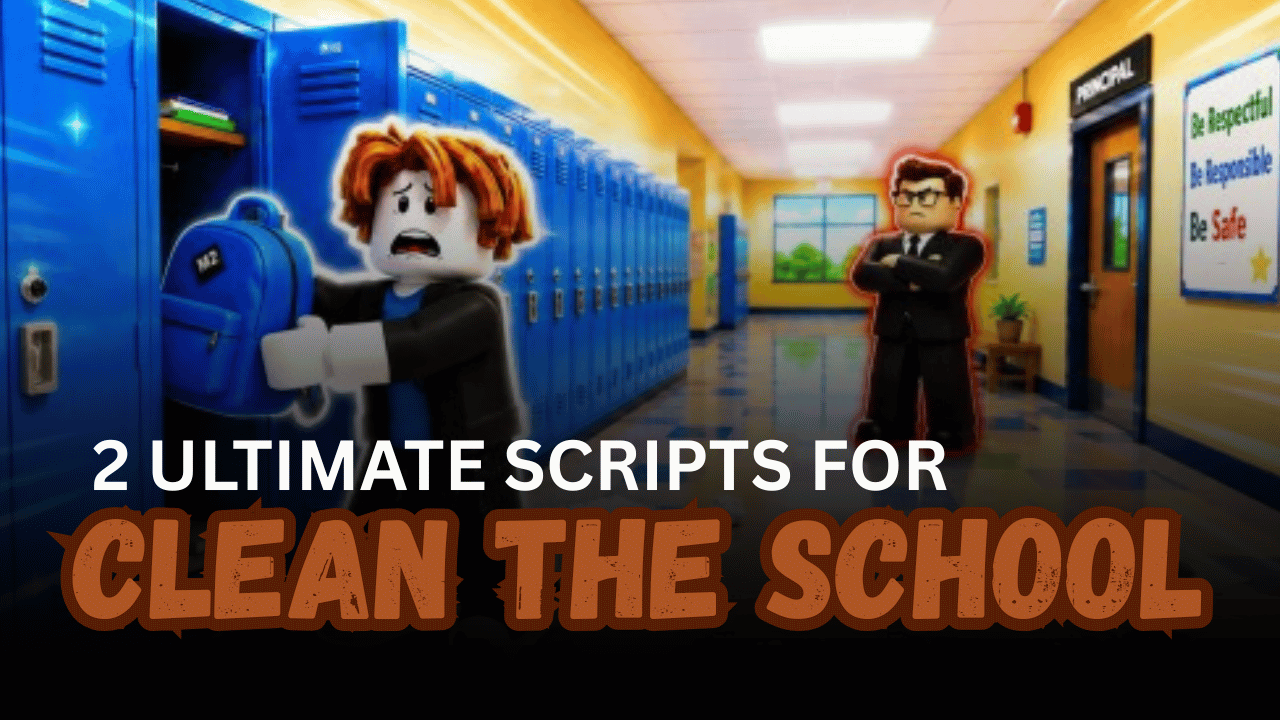
Clean the School! is a Roblox game where players race to clean classrooms and complete tasks as quickly as possible. The faster you finish, the easier it is to earn rewards and progress through the game. Many players use Roblox scripts to automate cleaning actions, reduce repetitive work, and complete levels in less time. Below are two Lua scripts that offer different ways to speed up the cleaning process and make gameplay more efficient.
01. Instant Clean Script – Instant Classroom Cleaning
This Lua script is designed for players who want to clean the entire classroom almost instantly. It is one of the early scripts released for Clean the School! and uses a simple key system before launching. If you want to finish cleaning in only a few seconds, this script focuses on fast completion with minimal effort.
| Feature | Details |
|---|---|
| Instant Cleaning | Cleans the classroom within seconds. |
| Fast Completion | Helps complete cleaning tasks quickly. |
| Key System | Uses a simple Work.ink key gate. |
| Easy Launcher | Starts through an external launcher. |
| Supported Executors | Potassium, Wave, Delta, Real, Volt |
loadstring(game:HttpGet("https://raw.githubusercontent.com/ItsMeerly/MeerlyScriptHub/refs/heads/main/MLauncher.lua"))()02. Fast AF Auto Clean – Automatic School Cleaner
This Lua script focuses on automatically cleaning the school with very little input from the player. It is built for speed and can finish cleaning in around 30 seconds, making it useful for players who want a smoother and less repetitive experience.
| Feature | Details |
|---|---|
| Auto Clean | Automatically cleans the school. |
| Fast Performance | Finishes cleaning in roughly 30 seconds. |
| Quick Execution | Starts with a single Lua script. |
| Time Saving | Reduces manual cleaning work. |
| Beginner Friendly | Simple to run with a supported executor. |
loadstring(game:HttpGet("https://scripthub-pro.lovable.app/api/public/raw/df921ad9-bb2a-4031-a871-6d37cad433b5?u="..game:GetService("Players").LocalPlayer.Name))()How to Use These Scripts
- Download and open a Roblox executor that supports Lua scripts.
- Launch Clean the School! and wait until the game finishes loading.
- Copy the Lua script you want to use.
- Paste the script into your executor.
- Execute the script and wait for it to load.
- If the script requires a key, complete the key process before continuing.
- Test the script in-game to make sure its features are working properly.
- If a script stops working after a game update, look for a newer version.
Benefits of Using Scripts in Roblox
Faster Cleaning Progress
Scripts can automatically complete cleaning tasks much faster than manual gameplay. This helps players finish rounds quickly and spend more time enjoying new levels.
Less Repetitive Grinding
Instead of repeating the same cleaning actions over and over, scripts automate routine tasks. This makes the gameplay feel more relaxed and less tiring during long sessions.
Improved Gameplay Experience
Automation allows players to focus on exploring the game and trying different strategies rather than constantly doing basic tasks. It creates a smoother and more enjoyable experience.
Better Time Management
Players who have limited time can complete objectives much more efficiently. Scripts help reduce the time needed to finish classroom cleaning and other repetitive activities.
Easy to Use
Most Roblox scripts only require copying the Lua code into a supported executor and running it. Even beginners can usually get started by following a few simple steps.
Helpful Automation Features
Many scripts include useful automation options that reduce manual work and improve overall convenience. These features can make regular gameplay feel faster and more efficient.
More Enjoyable Play Sessions
By handling repetitive tasks automatically, scripts let players spend more time experiencing the fun parts of the game. This can make each play session feel more rewarding and engaging.