
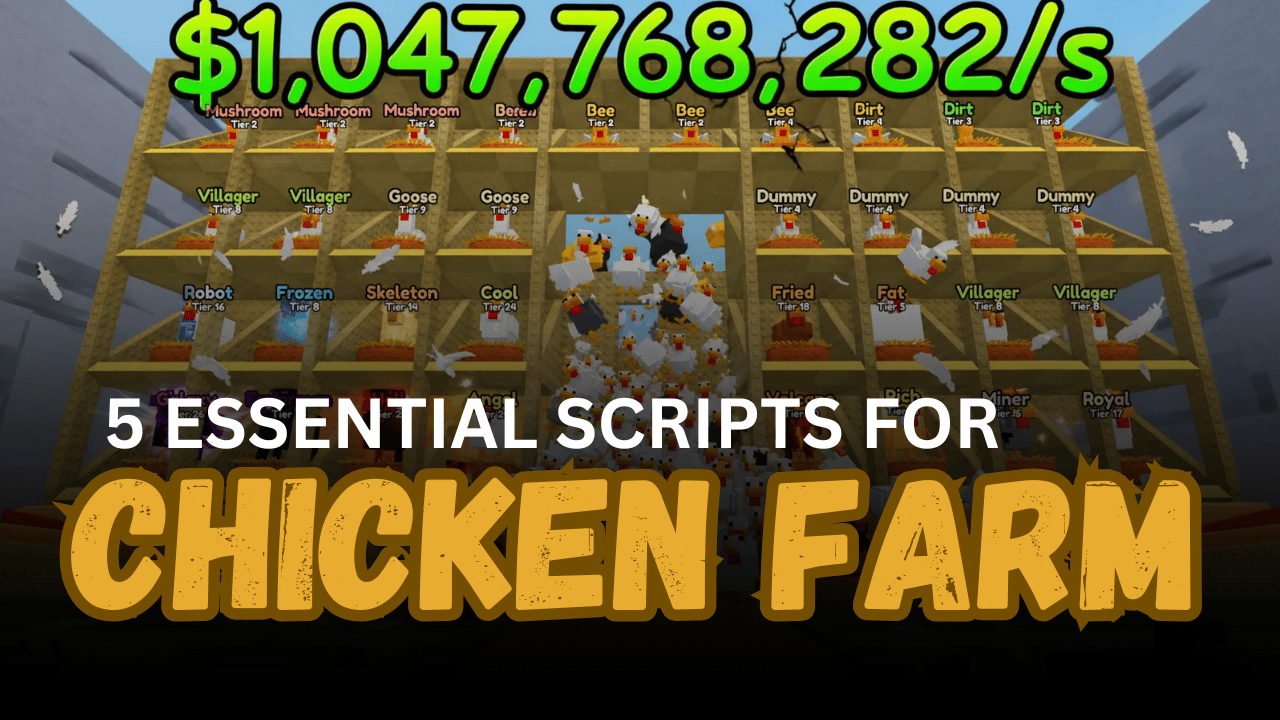
Chicken Farm is a Roblox game built around raising chickens, collecting eggs, earning cash, buying upgrades, and growing your farm. Managing all of these tasks manually can take a lot of time, which is why Lua scripts can be useful for players who want to automate different parts of the game. The scripts below offer features such as automatic egg collection, cash collection, chicken buying, merging, upgrades, and rebirths.
01. Nyxen Hub Chicken Farm Script – 9+ Features
The Nyxen Hub script brings many of the main Chicken Farm tasks together in one Lua script. It focuses on automation, from claiming eggs and collecting cash to buying chickens and handling rebirths. It is also described as keyless and supports mobile use.
| Feature | What It Does |
|---|---|
| Auto Claim Eggs | Automatically claims available eggs |
| Auto Deposit Eggs | Deposits eggs without manual input |
| Auto Collect Cash | Collects farm income automatically |
| Auto Upgrade Production | Handles production upgrades |
| Auto Merge Chickens | Automatically merges chickens |
| Auto Buy Chickens | Buys chickens automatically |
| Auto Lucky Blocks | Automatically handles lucky blocks |
| Auto Rebirth | Performs rebirth actions |
| Custom Buy Amount | Lets you customize the number of chickens to buy |
02. Chicken Farm Script – Auto Eggs, Cash, Upgrades & Rebirth
This Chicken Farm Lua script is aimed at reducing the amount of repeated work needed during gameplay. It includes automatic egg claiming, cash collection, upgrades, merging, lucky blocks, and rebirth. Players can also choose different chicken purchase amounts, making the buying process more flexible.
| Main Feature | Details |
| Auto Claim Eggs | Claims eggs automatically |
| Auto Deposit Eggs | Sends eggs to the deposit system |
| Auto Collect Cash | Collects available cash |
| Auto Upgrade Per/S | Automates production upgrades |
| Auto Merge Chickens | Merges chickens automatically |
| Auto Lucky Block | Automates lucky block actions |
| Auto Rebirth | Handles rebirths |
| Chicken Purchase Options | Buy 5, 25, 50, or 100 chickens |
03. Xz Hub Chicken Farm Script – Auto Deposit, Merge & More
Xz Hub is another Lua option for Chicken Farm players who want to automate common farm actions. Its description highlights automatic egg deposits and chicken merging, while the script is listed as free and keyless. It is also marked as supported on mobile.
| Function | Purpose |
| Auto Deposit Eggs | Automatically deposits collected eggs |
| Auto Merge Chickens | Merges chickens without repeated manual actions |
| Egg Automation | Helps manage egg-related tasks |
| Farm Automation | Reduces repetitive gameplay actions |
| Mobile Support | Listed as supported on mobile |
| Keyless | No key system is listed |
04. Chicken Farm Auto Farm Script – Auto Sell, Buy & Merge
This script is designed around several useful automation features for running a Chicken Farm. It can automatically deposit or sell eggs, buy chickens, collect cash, upgrade speed, and merge chickens. The script is listed as mobile supported and does not use a key system.
| Automation | Included Function |
| Auto Deposit / Sell | Automatically handles egg selling or depositing |
| Auto Chicken Buy | Purchases chickens automatically |
| Auto Collect Cash | Collects available farm cash |
| Auto Buy Upgrade Speed | Automates speed upgrades |
| Auto Merge | Merges chickens automatically |
| Mobile Support | Listed as supported |
| Key System | No key system listed |
05. Auto Collect & Rebirth Chicken Farm Script – Eggs, Income & Upgrades
The final script focuses on keeping several farm systems running automatically. Along with collecting eggs, it can deposit eggs, collect income, upgrade selling and buying tiers, merge chickens, buy mobs for merging, and perform rebirths. It is listed as keyless, although mobile support has not been tested.
| Feature | Description |
| Auto Collect Eggs | Automatically collects eggs |
| Auto Deposit Eggs | Deposits eggs automatically |
| Auto Collect Income | Collects farm income |
| Auto Upgrade | Handles selling and buy-tier upgrades |
| Auto Merge | Automates merging |
| Auto Buy Mob | Buys mobs for merging |
| Auto Rebirth | Performs rebirth actions |
| Keyless | No key system is listed |
How to Use These Scripts
- Open Roblox and enter the Chicken Farm game.
- Use a Lua-compatible script environment that supports the type of script you are testing.
- Copy the complete Lua code for the script you want to try.
- Paste the code into the appropriate script editor or executor.
- Run the script and check whether its interface or automated features appear.
- Turn on the features you want to use if the script provides individual controls.
- Test one feature at a time so you can quickly identify anything that does not work.
- If a script stops working, check whether the game has received an update or whether the script source has changed.
- Only use scripts from sources you trust, since externally loaded Lua code can make network requests or run code from a remote source.
Benefits of Using Scripts in Roblox
Faster Farm Progress
Automation can reduce the time spent repeating basic Chicken Farm tasks.
Automatic Egg Management
Egg collection and deposits can happen without constant manual actions.
Easier Cash Collection
Auto-collect features can help keep farm income moving while you focus on other tasks.
Quick Chicken Growth
Automatic buying and merging can make managing your chicken collection easier.
Simpler Upgrades
Upgrade features can reduce the need to repeatedly check and purchase improvements.
Automatic Rebirths
Rebirth automation can handle another repeated part of the progression system.
More Convenient Gameplay
Combining several automated features can make routine farm management less time-consuming.