
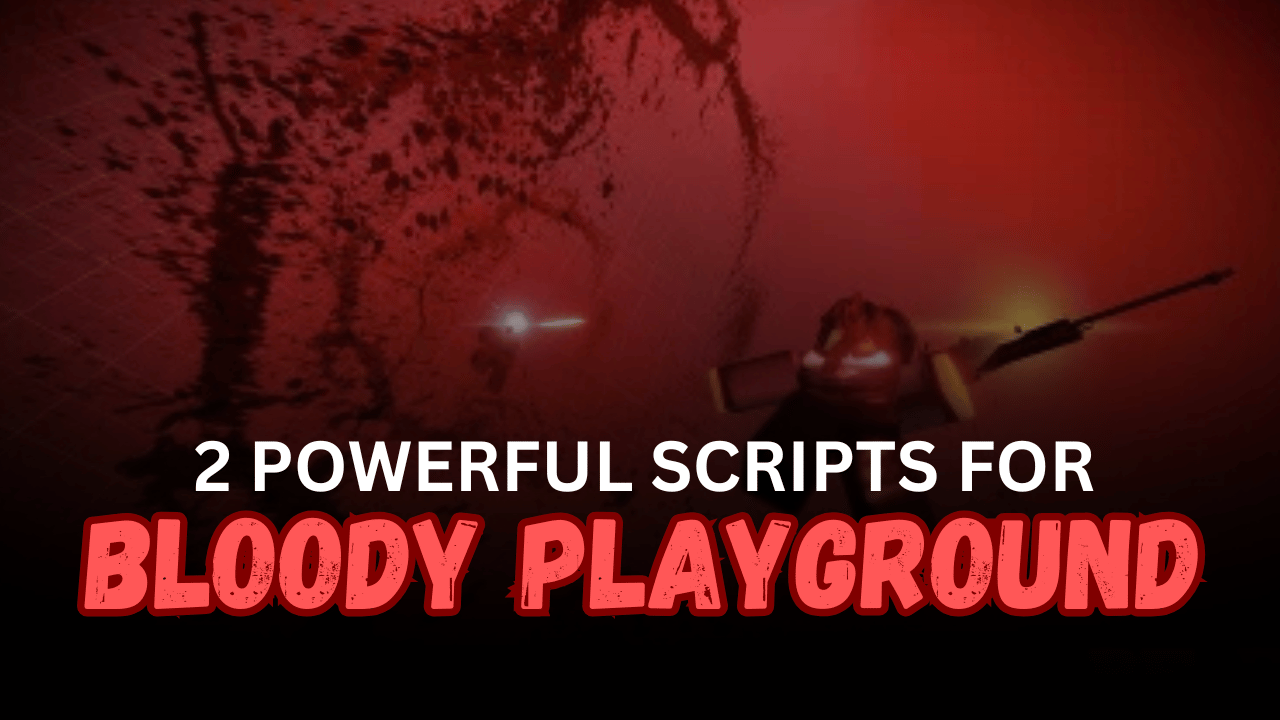
Bloody Playground is a Roblox combat game where players fight against others using different weapons and survival strategies. Quick reactions, strong attacks, and smart movement are important for staying alive as battles become more intense.
The scripts below provide a variety of combat-focused features, including Auto Kill, ESP, Aimbot, Fly, Teleport, and Melee Damage Multiplier. Whether you’re looking for a complete combat hub or a script focused on stronger melee attacks, these Lua scripts offer different keyless options.
01. AUTO KILL Script – ESP, Fly, Teleport & Aimbot
This Lua script is a feature-rich hub for Bloody Playground. It combines combat automation with movement and visual utilities, allowing players to access features such as Auto Kill, ESP, Teleport, Fly, and aiming tools through a single keyless loader.
| Feature | Details |
|---|---|
| Auto Kill | Automatically attacks supported targets |
| ESP | Displays supported player information |
| Teleport | Teleports to supported locations |
| Fly | Enables aerial movement |
| Aimbot | Assists with supported aiming |
| Silent Aim | Includes supported silent aiming features |
| Hitbox Expansion (HBE) | Enhances supported hit detection |
| Combat Hub | Combines multiple gameplay utilities |
| Keyless Access | Does not require a key system |
| Mobile Status | Not tested |
Supported Executors: Potassium.
02. Melee Damage Multiplier – Keyless Combat Script
This Lua script focuses on improving melee combat in Bloody Playground by increasing supported melee damage. It offers a lightweight keyless loader for players who prefer close-range combat without using a larger multi-feature hub.
| Feature | Details |
|---|---|
| Melee Damage Multiplier | Increases supported melee damage |
| Close-Range Combat | Designed for melee-focused gameplay |
| Lightweight Loader | Runs with a single Lua command |
| Simple Execution | Easy to load using compatible executors |
| Keyless Access | No verification key required |
| Mobile Support | Listed as compatible with mobile devices |
| Combat Enhancement | Focuses on improving melee performance |
Supported Executors: Volt, Potassium, Wave, Delta, Codex, and Synapse Z.
How to Use These Scripts
- Open Roblox and launch Bloody Playground.
- Wait until your character and the game world have fully loaded.
- Start a compatible Roblox Lua executor.
- Copy the complete Lua code from the script you want to use.
- Paste the code into the executor’s script editor.
- Attach or inject the executor using its standard process.
- Execute the script and wait for the menu or features to load.
- Enable one feature at a time to make sure everything is working correctly.
- Test movement features like Fly or Teleport before entering combat.
- If using the Melee Damage script, equip a supported melee weapon before testing.
- Rejoin the server and execute the script again if a game update affects compatibility.
Benefits of Using Scripts in Roblox
Improved Combat Efficiency
Combat automation features can help reduce repeated manual actions during battles.
Better Enemy Awareness
ESP makes it easier to locate supported players around the map.
Enhanced Mobility
Fly and Teleport features allow faster movement across different areas.
Stronger Melee Attacks
The Melee Damage Multiplier improves close-range combat with supported weapons.
Quick Keyless Setup
Both scripts are listed as keyless, allowing players to load them without additional verification.
Multiple Gameplay Options
Players can choose between a complete combat hub or a lightweight melee-focused script depending on their preferred playstyle.
Simple Lua Execution
Each script loads using a single Lua command, making setup fast with a compatible executor.