
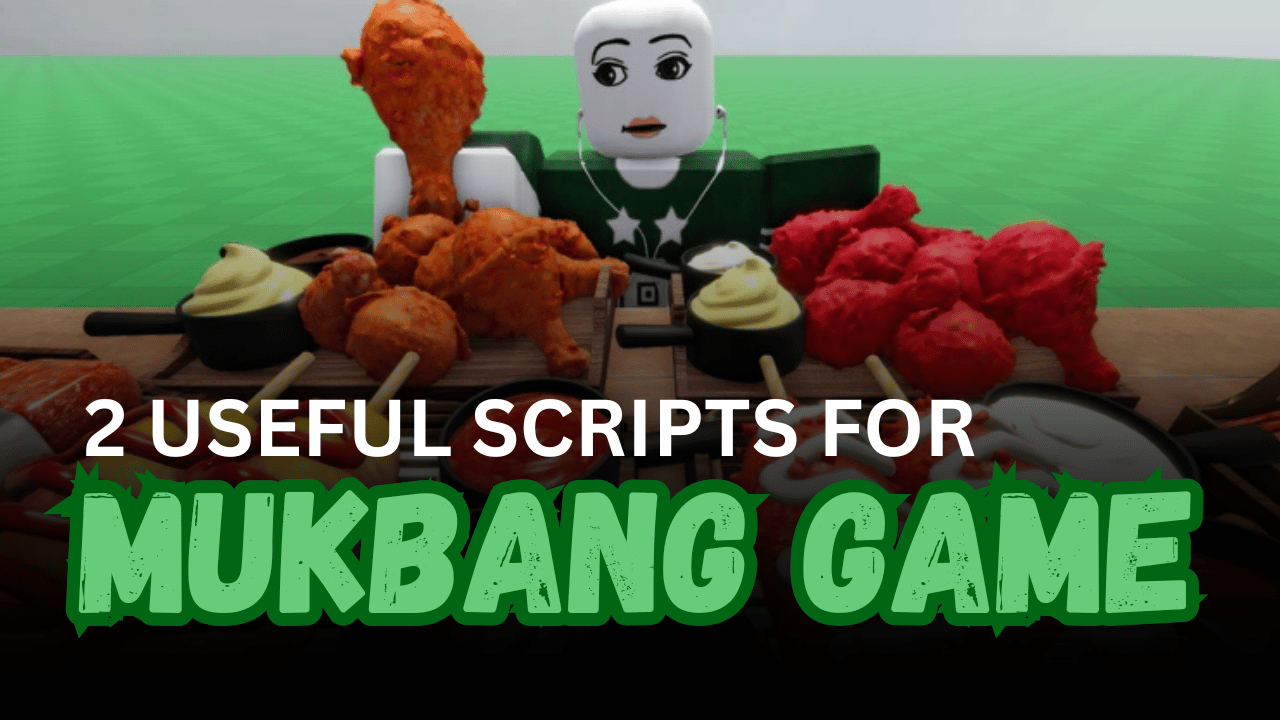
Mukbang Game is a Roblox food-themed game where players order different types of food, place their orders, eat meals, and build up resources such as cash and bites. Repeating these actions manually can take time, especially when trying to gather food or keep eating for longer sessions.
The scripts below focus on automating the main food and farming activities. They include Auto Eat, automatic ordering, ordering from all categories, placing food, AFK farming, and additional food-related options. Both scripts are keyless and are listed as supporting mobile devices.
01. Mukbang Auto Gather All – Auto Order, Auto Eat & AFK Farming
This Lua script provides a complete automation loop for Mukbang Game. It can handle food orders, place the selected food, and automatically eat it. The Full Auto option connects these actions together, allowing the ordering, placing, and eating process to run continuously.
| Feature | Details |
|---|---|
| Order System | Provides automated food-ordering options |
| Food Categories | Supports Snacks, Dessert, Drinks, and Ramen |
| Quantity Slider | Lets users select the amount of each item |
| Open Menu | Opens the available food menu |
| Order Now | Orders food from the selected category |
| Order All Categories | Places orders across all listed categories |
| Place All Ordered Food | Automatically places ordered food |
| Auto Eat | Eats available food automatically |
| Bites Per Second | Controls the eating speed with a slider |
| Full Auto | Runs the order, place, and eat cycle |
| Anti AFK | Helps maintain activity during idle sessions |
| Cash & Bites | Can print supported cash and bite information |
| Menu Categories | Displays available food categories |
| Menu Toggle | Uses RightShift to toggle the interface |
| Keyless Access | No key system required |
| Mobile Support | Listed as compatible with mobile devices |
Supported Executors: Volt, Potassium, Wave, Delta, Codex, Synapse Z, OpiumWare, and Seliware.
02. Auto Farm + Free Gamepass Food – Food Automation
This script is presented as an Auto Farm option for Mukbang Game with an additional free gamepass food feature. The supplied listing does not provide a detailed feature breakdown, so the exact automation functions beyond those mentioned in its title are not confirmed.
| Feature | Details |
| Auto Farm | Provides automated farming functionality |
| Food Automation | Focuses on food-related gameplay |
| Gamepass Food | Includes a feature described as free gamepass food |
| Simple Loader | Uses a single Lua command |
| Keyless Access | No key system required |
| Mobile Support | Listed as compatible with mobile devices |
| Easy Execution | Uses a direct loader |
| Feature Details | Full feature list was not provided |
Supported Executors: Volt, Potassium, Wave, Delta, Codex, Real, and Synapse Z.
How to Use These Scripts
- Open Roblox and launch Mukbang Game.
- Wait until the food menu and your character have fully loaded.
- Start a compatible Roblox Lua executor.
- Copy the complete Lua code from the script you want to test.
- Paste the code into the executor’s script editor.
- Attach or inject the executor using its normal process.
- Execute the loader and wait for the script interface or features to appear.
- For the Auto Gather script, open the menu and check the available food categories.
- Select the desired food category and adjust the quantity if needed.
- Test Order Now and Place All Ordered Food before enabling Full Auto.
- Adjust the Bites Per Second setting to a suitable value when using Auto Eat.
- Enable Full Auto when you want the order, placement, and eating cycle to run together.
- Use Anti AFK if you plan to leave the game running for a longer period.
- Rejoin the server and execute the script again if a game update causes compatibility problems.
Benefits of Using Scripts in Roblox
Faster Food Gathering
Automated ordering and food placement can reduce the repeated actions needed to collect meals.
Automatic Eating
Auto Eat handles repeated eating actions without requiring constant manual input.
Full Farming Loop
The Full Auto feature can connect ordering, placing, and eating into one continuous process.
Less Repetitive Gameplay
Automation reduces the amount of time spent repeating the same food-related actions.
Flexible Food Selection
Multiple categories such as Snacks, Dessert, Drinks, and Ramen give players more control over their farming setup.
AFK Support
Anti AFK can help maintain activity during longer farming sessions.
Mobile-Friendly Options
The supplied listings indicate mobile support, making these scripts available to players using supported mobile executors.
Keyless Setup
Both listed scripts are described as keyless, so there is no additional key verification step.