
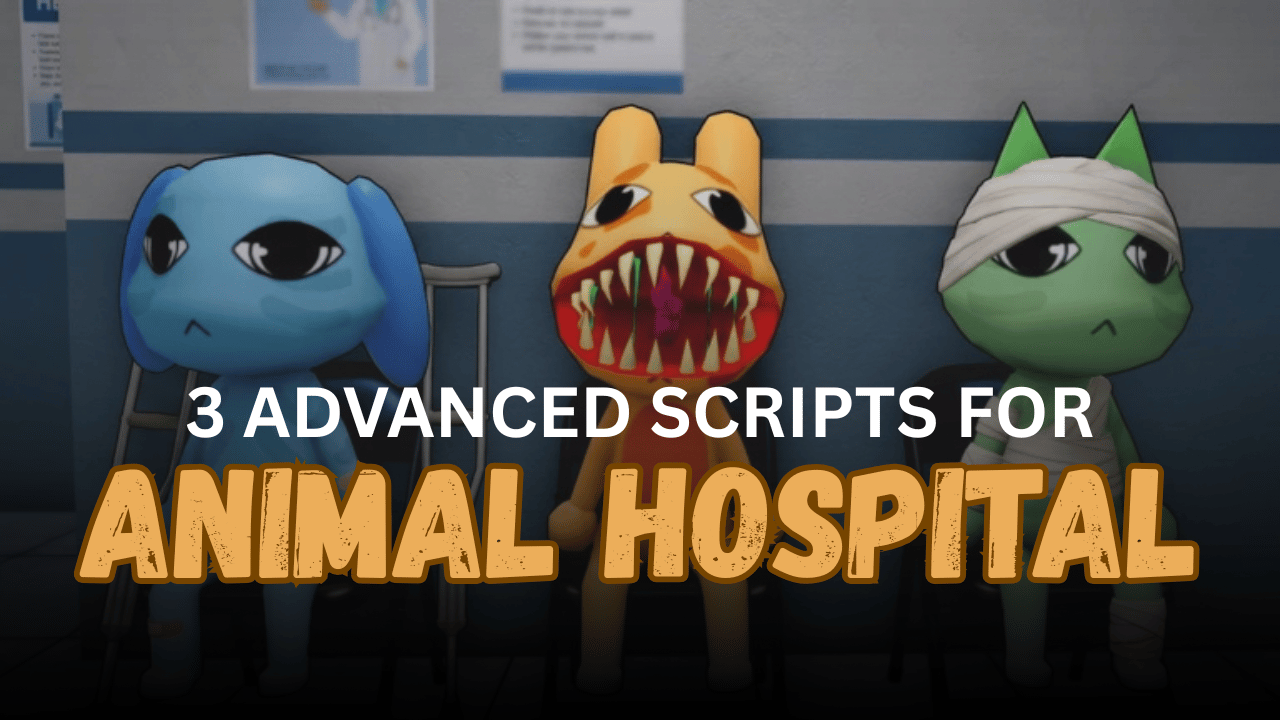
Animal Hospital (Anomaly) is a Roblox game where players handle hospital tasks, care for patients, deal with strange events, and survive dangerous anomaly moments. The gameplay can become busy because you may need to treat patients, greet visitors, use tools, watch your sanity, and react to emergencies at the same time.
Scripts can make the game easier by automating repeated actions and giving players extra tools for awareness and movement. These Animal Hospital scripts include features like Auto Work, Auto Heal, Patient ESP, Anomaly Warnings, Anti-AFK, Teleport, Noclip, and more.
01. Redz Hub Animal Hospital – Auto Work, Auto Heal & ESP Tools
This script is built around hospital automation and patient treatment. It can help with check-ins, healing, machine use, sanity protection, threat defense, and ESP visuals. It is a good choice for players who want a detailed script focused on hospital work and survival support.
Script Features
| Feature | Description |
|---|---|
| Auto Check-In | Handles reception tasks and patient intake actions. |
| Auto Heal | Detects patient problems and uses the matching tool. |
| Auto Use Machines | Interacts with scanners, x-rays, labs, and computers. |
| Auto Interact | Activates nearby prompts and click detectors. |
| Sanity Protection | Helps manage sanity using coffee and timed actions. |
| Auto Defense | Uses weapons against dangerous anomalies. |
| Patient ESP | Highlights sick patients and animals through walls. |
| Anomaly ESP | Shows hostile entities and threats clearly. |
| Noclip | Lets players move through walls or doors. |
| Anti-AFK | Helps prevent idle disconnection. |
Lua Script
02. KEYLESS Animal Hospital Best Script – Full Automation & Utility Hub
This keyless script includes a very large set of features for work, sanity, warnings, ESP, movement, server tools, and performance settings. It is made for players who want many options in one place, from Auto Win Minigames to Patient ESP, Mini Radar, X-Ray, and custom keybinds.
Script Features
| Tool | What It Does |
|---|---|
| Auto Win Minigames | Helps complete minigames automatically. |
| Auto Stamp Forms | Handles form stamping tasks. |
| Auto Greet Visitors | Greets visitors without manual work. |
| Auto Work Master | Supports many hospital work tasks. |
| Keep Sanity Full | Helps keep sanity from dropping. |
| Block Jumpscares | Reduces scary interruption effects. |
| Auto Revive Teammates | Helps revive downed teammates. |
| Anomaly Warnings | Warns about dangerous anomaly events. |
| Patient / Anomaly ESP | Shows patients, anomalies, and special visitors. |
| Teleport Tools | Teleports to rooms, doors, visitors, and usable items. |
| Movement Tools | Includes flight, noclip, infinite jump, and speed. |
| Performance Mode | Improves smoothness during gameplay. |
| Config Saving | Lets users save, load, and share settings. |
Lua Script
03. Animal Hospital Auto All OP – Auto Care & Premium UI
This script is a simple mobile-ready option for players who want quick automation without a long setup. It focuses on Auto Care and Auto All features, supported by a premium-style UI. It is useful for players who prefer a cleaner script with fewer confusing settings.
Script Features
| Feature | Use |
|---|---|
| Auto Care | Helps complete patient care actions automatically. |
| Auto All | Runs multiple useful actions in the game. |
| Premium UI | Provides a cleaner script interface. |
| Mobile Ready | Works with supported mobile executors. |
| Simple Setup | Easy to run with one Lua command. |
Lua Script
How to Use These Scripts
- Open Roblox and join Animal Hospital (Anomaly).
- Use a Lua executor that supports your device.
- Copy the script code you want to try.
- Paste it into your executor.
- Attach or inject the executor after the game fully loads.
- Press execute and wait for the script menu to appear.
- Enable features slowly, such as Auto Work, ESP, or Anti-AFK.
- If the script has many options, test one section first to avoid confusion.
Benefits of Using Scripts in Roblox
Faster Hospital Tasks
Auto Work, Auto Care, and Auto Check-In help complete routine hospital jobs more quickly. This saves time when the game becomes busy.
Better Patient Handling
Auto Heal and Auto Use Machines can help treat patients faster. This makes it easier to manage multiple patients during active rounds.
Stronger Anomaly Awareness
ESP tools and warning systems help players notice threats, patients, rooms, and important objects. This gives better control during dangerous moments.
Less Manual Grinding
Scripts reduce repeated clicking, walking, and tool switching. Players can focus more on surviving events and moving through the game.
Improved Long Sessions
Anti-AFK, Auto Rejoin, and performance tools help keep gameplay smoother during longer runs. These features are useful for players who farm or play for extended time.
Helpful Movement Options
Noclip, flight, teleport, speed, and jump tools make traveling around the hospital easier. This can help players reach patients, emergencies, or rooms faster.
More Comfortable Gameplay
Features like Fullbright, FPS Boost, Mini Radar, X-Ray, and custom UI settings can make the game easier to view and manage, especially in crowded or dark areas.