
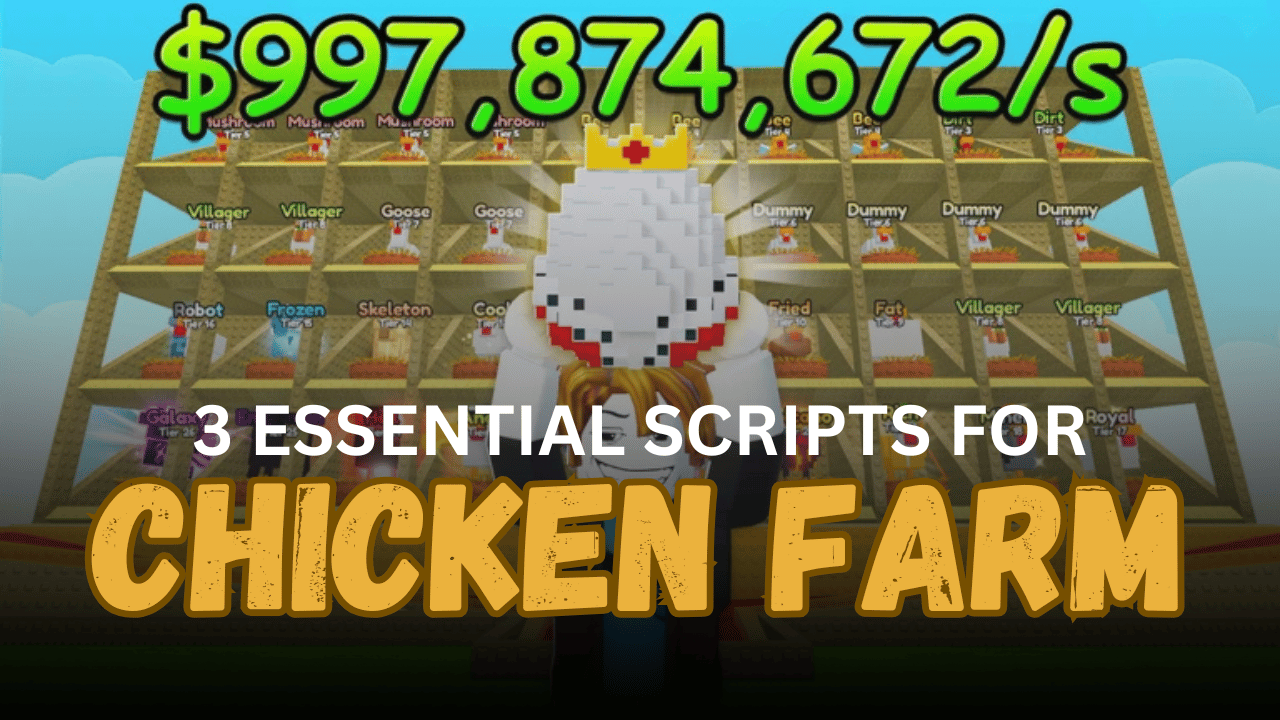
Chicken Farm is a Roblox tycoon-style game where players raise chickens, collect eggs, earn cash, and upgrade their farm to unlock better production. As farms grow larger, managing chickens and resources can become repetitive. Many players use scripts to automate common tasks such as collecting eggs, merging chickens, and purchasing upgrades, making progression much smoother.
01. KEYLESS | AutoFarm, Instant Buy, Auto Upgrader – Fast Farming Solution
This keyless script focuses on the core activities needed for efficient progression in Chicken Farm. It automates chicken purchases, merging, and cash collection while remaining easy to run on both mobile and PC devices.
| Feature | Description |
|---|---|
| Auto Buy Chicken | Purchases chickens automatically |
| Auto Merge | Combines chickens without manual input |
| Auto Collect Cash | Collects farm income automatically |
| Auto Farm | Automates core farming activities |
| Anti-AFK | Prevents idle disconnections |
| Mobile Support | Compatible with mobile devices |
| PC Support | Works on desktop executors |
02. Ultimate Chicken Tycoon [BEST] – Complete Automation Hub
This script offers a large collection of farming, movement, utility, and visual features. It not only automates farm progression but also includes player enhancement tools that can improve navigation and convenience throughout the game.
| Available Feature | Purpose |
| Auto Merge Chickens | Automatically combines chickens |
| Auto Collect Cash | Collects earned cash |
| Auto Deposit Eggs | Deposits eggs automatically |
| Auto Collect Eggs | Picks up eggs as they spawn |
| Auto Buy Chickens | Purchases chickens automatically |
| Auto Upgrade Process Level | Upgrades processing systems |
| WalkSpeed Control | Adjust movement speed |
| JumpPower Control | Adjust jump height |
| Infinite Jump | Unlimited jumping |
| NoClip | Move through obstacles |
| Fly Mode | Fly around the map |
| Teleport Options | Teleport to players or spawn |
| Full Bright | Improves visibility |
| No Fog | Removes fog effects |
| Anti-AFK | Prevents AFK kicks |
| Server Utilities | Rejoin and server information tools |
03. Auto Collect, Deposit, Merge, Buy Chickens, Processing – Farm Management Script
This script is focused entirely on automating the main progression systems within Chicken Farm. It handles egg collection, deposits, chicken purchases, merging, and processing upgrades, helping players keep their farm running efficiently.
| Automation Feature | Function |
| Auto Collect Eggs | Collects eggs automatically |
| Auto Deposit Eggs | Deposits eggs without manual interaction |
| Auto Collect Cash | Collects generated income |
| Auto Buy Chickens | Purchases new chickens |
| Auto Merge Chickens | Merges chickens for progression |
| Auto Upgrade Processing | Improves processing levels |
| Automatic Cleanup | Removes excess egg models |
| Farming Automation | Handles multiple repetitive tasks |
How to Use These Scripts
- Join Chicken Farm and allow the game to load completely.
- Open a Roblox Lua executor that supports script execution.
- Copy the script you want to use from the list above.
- Paste the code into your executor’s script editor.
- Run the script and wait for the interface to appear.
- Enable the farming features you want to use.
- Adjust any available settings to match your preferred playstyle.
- Monitor the script occasionally to make sure all functions are working properly after game updates.
Benefits of Using Scripts in Roblox
Faster Farm Growth
Scripts can automate repetitive farming tasks, allowing players to expand their chicken farm and earn resources much faster than manual gameplay.
Automatic Resource Collection
Features such as auto egg collection and auto cash collection ensure that important rewards are gathered immediately without requiring constant attention.
Less Repetitive Grinding
Instead of repeatedly collecting eggs, buying chickens, and depositing resources, scripts can handle these tasks automatically and save time.
Improved Progression Speed
Auto upgrades, auto purchases, and auto merging help players unlock better chickens and farm improvements more efficiently.
Better Farm Management
Automation tools keep production running smoothly by handling multiple systems at the same time, reducing the need for constant manual management.
Enhanced Gameplay Convenience
Utility features such as teleportation, fly mode, increased movement speed, and anti-AFK tools make navigating and managing the farm much easier.
Continuous Resource Generation
Automated collection and upgrade systems help maintain steady progress even during longer farming sessions.
More Time to Explore Features
Since scripts take care of routine tasks, players can spend more time experimenting with upgrades, expanding their farm, and exploring new content.