
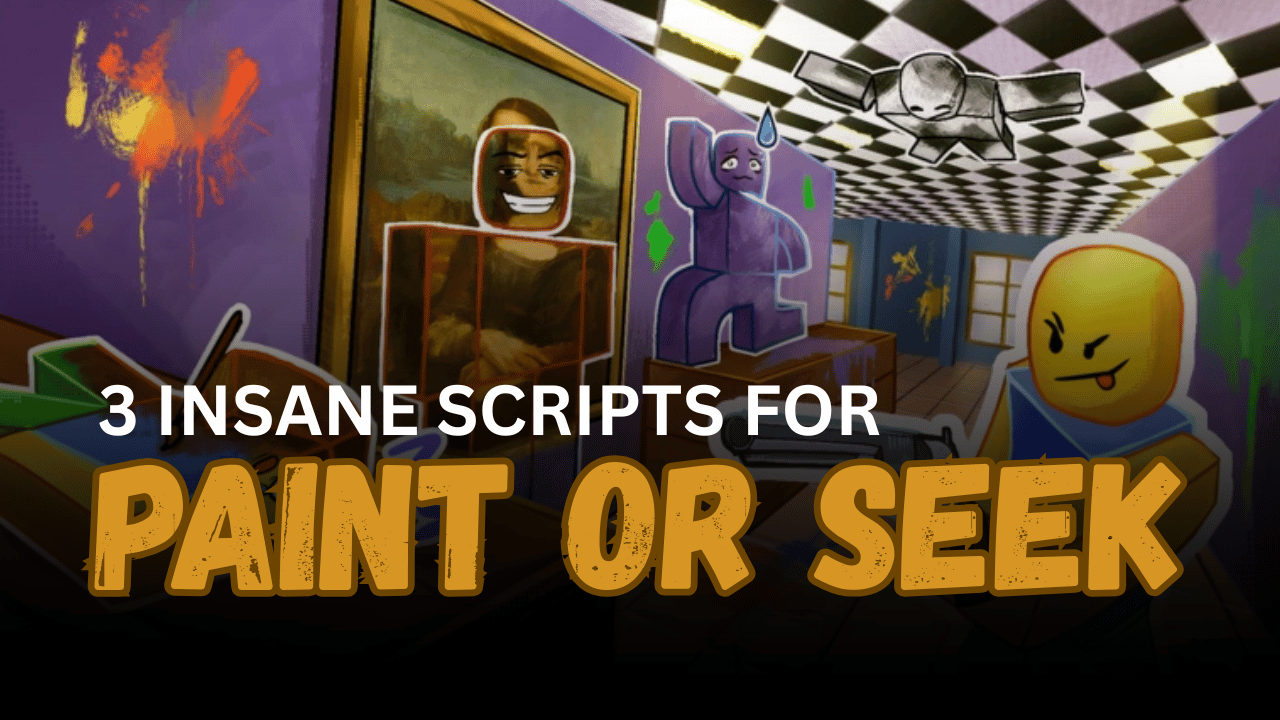
Paint Or Seek is a Roblox hide-and-seek shooter game where players take different roles and try to survive, escape, or locate opponents. Winning can depend on quick reactions, accurate aiming, good movement, and knowing where other players are hiding.
The three scripts below provide combat, visual, and movement features for Paint Or Seek. They include Aimbot, Silent Aim, several ESP modes, Auto Shoot, Fly, Infinite Jump, role controls, and mobile support.
01. Paint Or Seek ESP and Aimbot Script – Skeleton ESP, Name ESP & FOV
This script focuses on aiming assistance and player visibility. Its Aimbot can help track opponents, while Skeleton ESP and Name ESP make players easier to identify across the map.
The script also includes an FOV Changer, allowing players to adjust the area used by the aiming system. Its interface is designed to remain clean and smooth during gameplay. Right-Shift can be used to open or close the menu.
| Feature | Details |
|---|---|
| Aimbot | Helps keep the crosshair aimed toward opponents |
| Skeleton ESP | Displays the body structure of nearby players |
| Name ESP | Shows player names above or near characters |
| FOV Changer | Adjusts the Aimbot detection area |
| Clean UI | Provides an organized and simple control menu |
| Smooth Performance | Designed to run with reduced visual lag |
| Menu Toggle | Press Right-Shift to open or close the interface |
| Noclip Bypass | Listed as a feature currently being developed |
| Freecam | Listed as an upcoming camera movement option |
loadstring(game:HttpGet("https://api.jnkie.com/api/v1/luascripts/public/b43cbe53de46c35d5dd24dbcc942a5efd3e1b303da904667d66a20cd863c4dfe/download"))()02. Keyless OP Paint Or Seek Script – Silent Aim, Auto Shoot & Role ESP
This keyless script combines combat, ESP, movement, and role-related tools in one menu. It includes Silent Aim and Aimbot for targeting, as well as Auto Shoot for automatic firing when supported conditions are met.
Several ESP styles are available, including Highlight ESP, Box ESP, Tracer ESP, and Role ESP. The script also supports mobile devices and provides movement features such as Fly, Noclip, and Infinite Jump.
| Feature | Details |
| Highlight ESP | Adds a visible highlight around supported players |
| Box ESP | Draws boxes around player characters |
| Tracer ESP | Displays lines pointing toward nearby players |
| Role ESP | Shows the role assigned to each player |
| Silent Aim | Redirects supported shots toward selected targets |
| Aimbot | Tracks and aims toward enemy players |
| Wall Check | Avoids targeting players behind blocked surfaces |
| Auto Shoot | Fires automatically when a valid target is detected |
| Noclip | Allows movement through supported walls and objects |
| Fly | Enables movement through the air |
| Infinite Jump | Allows repeated jumping without normal limits |
| Turn Into Hunter | Attempts to change the player into the Hunter role |
| Mobile Support | Provides controls suitable for mobile devices |
| Keyless Access | Does not require a key system |
loadstring(game:HttpGet("https://pastefy.app/tOm6gPin/raw"))()03. Everything You Need Paint Or Seek Script – Keyless Utility Hub
This keyless Lua loader is described as an all-in-one script for Paint Or Seek. It is designed to provide several tools that can assist with combat, player tracking, movement, and general gameplay.
The provided listing does not include a complete feature list, so the available options may depend on the current hosted version. The script can receive bug fixes and feature updates without requiring a different loader command.
| Feature | Details |
| Keyless Access | Loads without requiring an external key |
| Multi-Feature Hub | Combines several Paint Or Seek tools |
| Combat Options | May include aiming and shooting assistance |
| ESP Tools | May provide player or role tracking features |
| Movement Controls | May include movement-related options |
| Bug Fix Support | The hosted script may receive future fixes |
| Remote Updates | New features can be added through the source |
| Simple Loader | Runs through one short Lua command |
loadstring(game:HttpGet("https://pastebin.com/raw/Ta7XaeT1"))()How to Use These Scripts
- Open Roblox and launch Paint Or Seek.
- Wait until your character and the complete map have loaded.
- Open a Lua executor compatible with your device.
- Copy one complete script from this article.
- Paste the code into the executor’s script area.
- Attach or inject the executor into Roblox.
- Press the execute button and wait for the menu to appear.
- Press Right-Shift when using the ESP and Aimbot script if its menu is hidden.
- Enable one ESP feature first to confirm that the script loaded.
- Adjust the Aimbot FOV before entering combat.
- Turn on Wall Check to reduce targeting through blocked surfaces.
- Test Auto Shoot, Fly, and Noclip one feature at a time.
- Mobile users should check whether touch controls appear correctly.
- Rejoin the game and execute the script again if the menu stops responding.
Benefits of Using Scripts in Roblox
Better Player Visibility
Highlight ESP, Box ESP, Skeleton ESP, and Name ESP make other characters easier to locate. This can be useful when players hide behind objects or move through dark areas.
Improved Role Awareness
Role ESP shows which players have important roles during a match. This reduces uncertainty and helps players decide who to follow, avoid, or target.
More Accurate Targeting
Aimbot and Silent Aim can help track fast-moving opponents. Wall Check can also prevent the targeting system from locking onto players who are blocked by solid objects.
Faster Shooting Reactions
Auto Shoot can fire when a supported target enters the selected aiming area. This reduces the delay between finding an opponent and pressing the attack button.
Flexible Aiming Controls
The FOV Changer allows players to control how wide the targeting area should be. Smaller settings provide more focused targeting, while larger settings can detect more nearby players.
Easier Map Movement
Fly, Infinite Jump, and Noclip can make it quicker to travel through the map. These options may help players escape opponents or reach difficult areas.
Convenient Mobile Access
Mobile support provides controls that can work without a physical keyboard. This makes the script menu easier to use on phones and tablets.
Simple Keyless Loading
Keyless scripts can be opened without completing advertisement pages or external key steps. This allows players to reach the available features more quickly.